Lightfield promised a CRM that fills itself. Then it asked for my card before my inbox.
5 min read · about Lightfield ·
Lightfield promised a CRM that fills itself. Then it asked for my card before my inbox.
The homepage and the $0 checkout are clear. The one gap: the real setup moment, my inbox, comes after the card with a skip link, so the aha never comes.
1 / 17

Written by
Eddy Bogomolov
Product designer for B2B free trials
Published
What you'll learn
- How setup, aha and habit moments show where a trial wins or loses the buyer
- Why ten fields of profile and company questions aren’t setup, and the inbox is
- How to fix the setup moment with a permission you already have
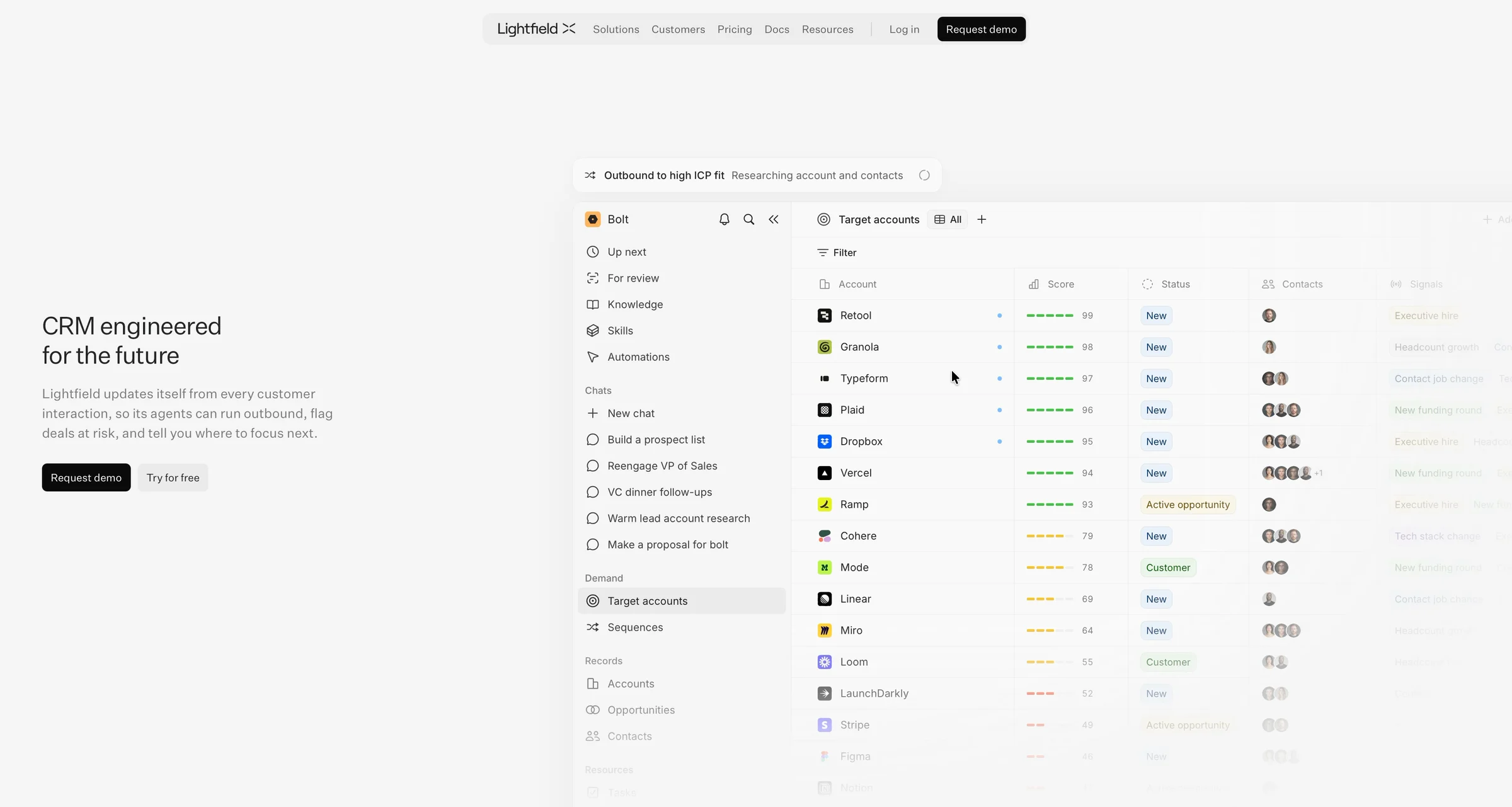
Lightfield’s homepage makes one promise: a CRM that “updates itself from every customer interaction”. Four minutes after I clicked “Try for free”, mine had nothing in it.
Lightfield promised a CRM that fills itself. Then it asked for my card before my inbox., chapter by chapter
Stage 1
The promise
Meet me. I run a one-person design business, and my CRM is my Gmail inbox and a spreadsheet. I want one that keeps itself up to date, because I won’t.

“CRM engineered for the future. Lightfield updates itself from every customer interaction.” That’s the one I want. I click “Try for free”.
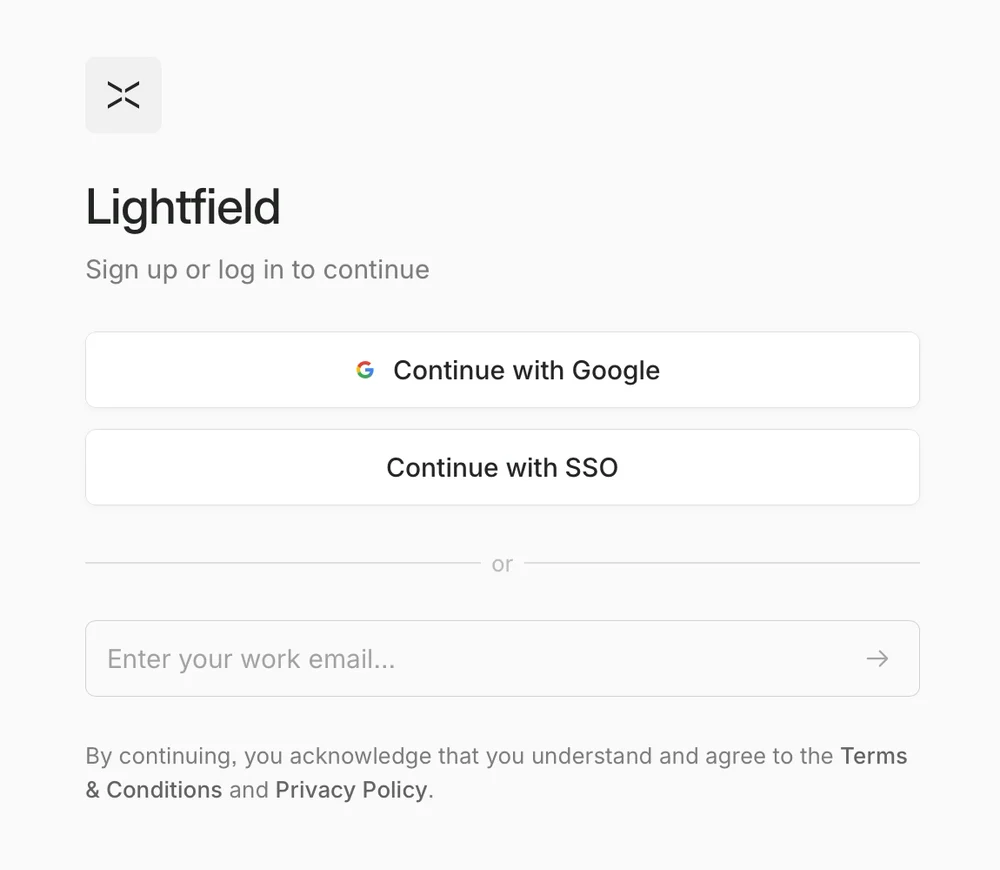
“Continue with Google.” One click, and Lightfield gets my name, my email and my photo.
Then Google takes a minute to check it’s me: a passkey, my password, a tap on my phone. That minute is Google’s, not Lightfield’s.
Stage 2
The setup
“Create your profile.” First name, last name. Google handed Lightfield both thirty seconds ago.
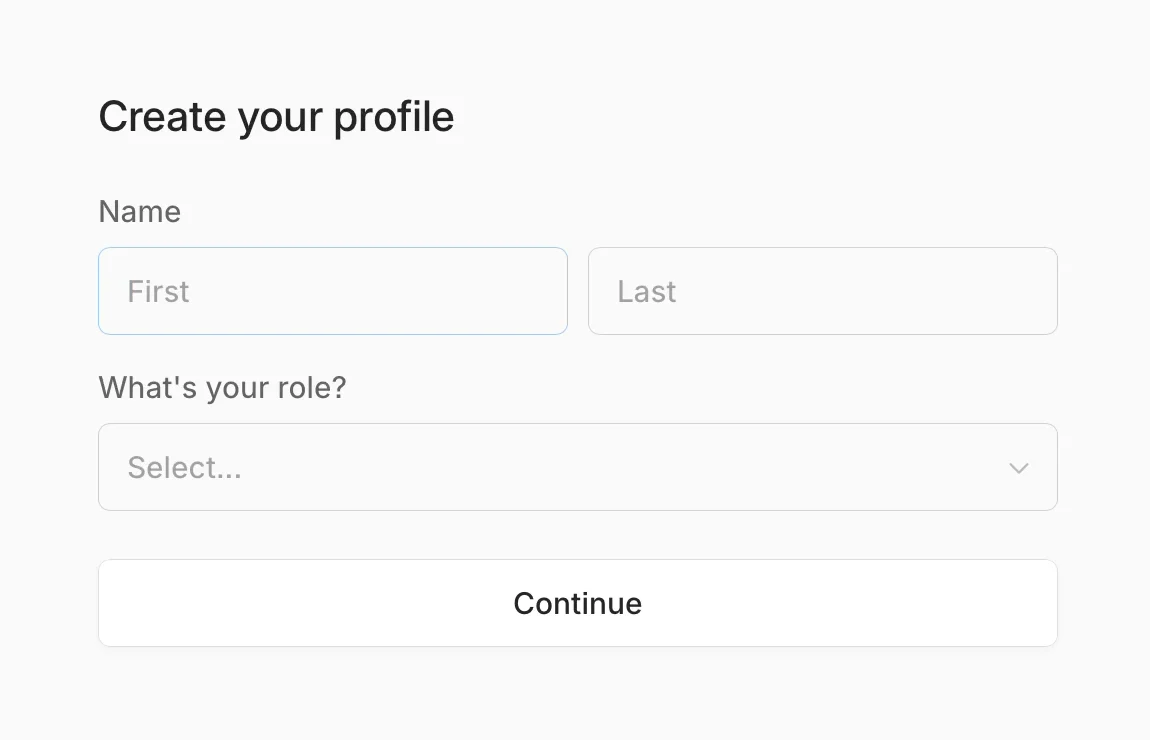

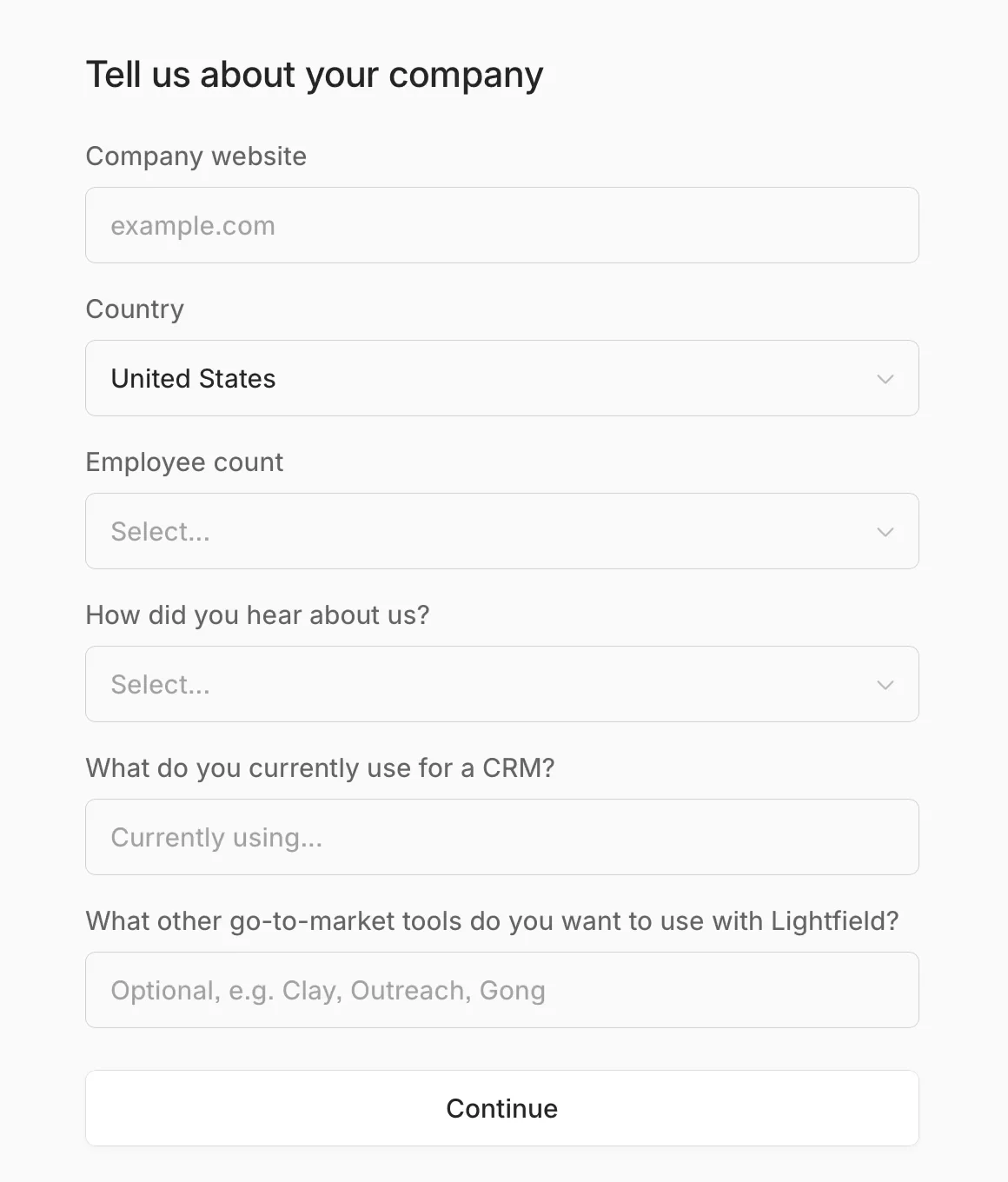
Then a workspace name, and six questions about my company: website, country, team size, how I heard, my CRM, my other tools.
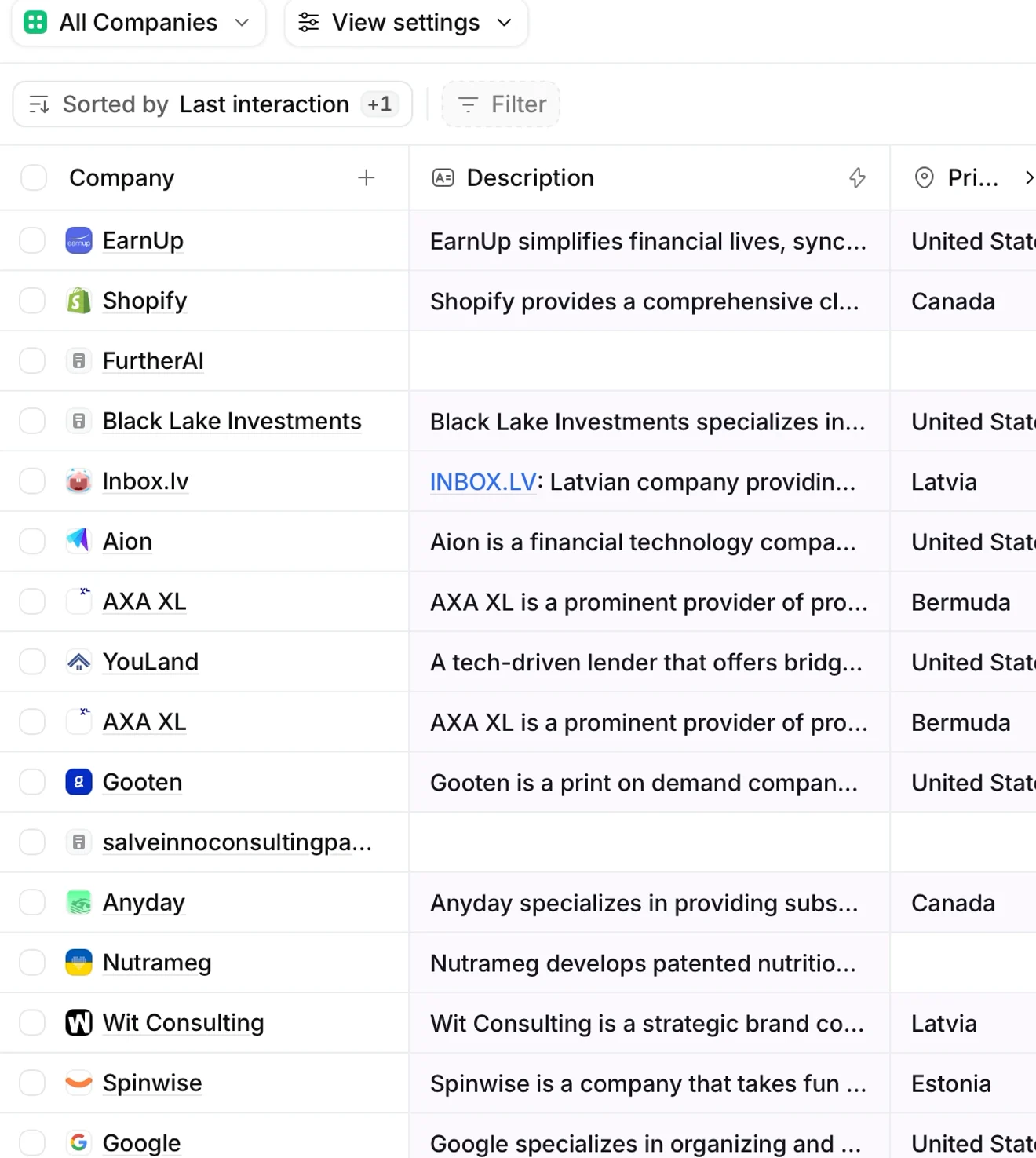
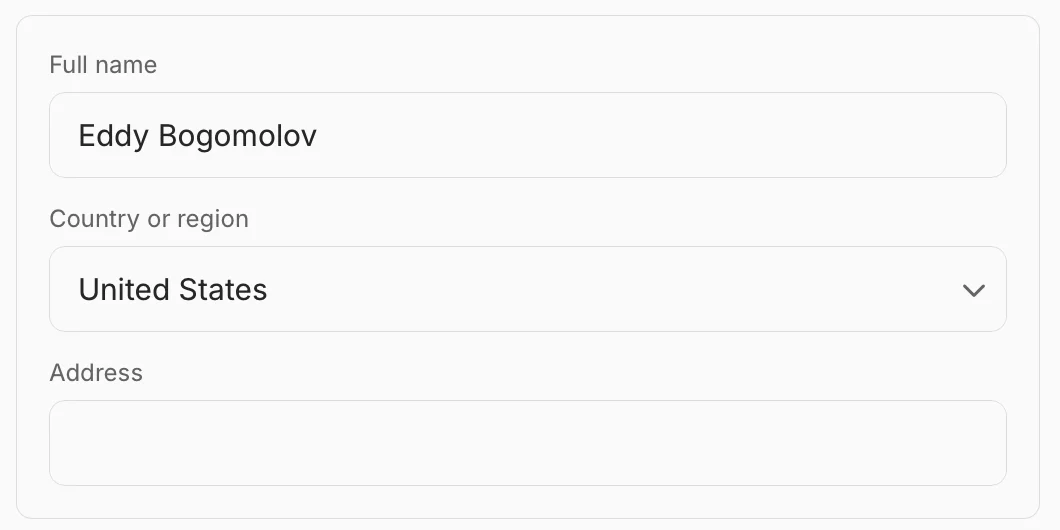
The country is already filled in: United States. I’m in Latvia. Two screens later, the billing form says United States again.
Stage 3
The checkout
“Checkout. Try Lightfield free for 14 days. You won’t be charged until then.” One plan, $0 today, $89 on Nov 18, Apple Pay right there.
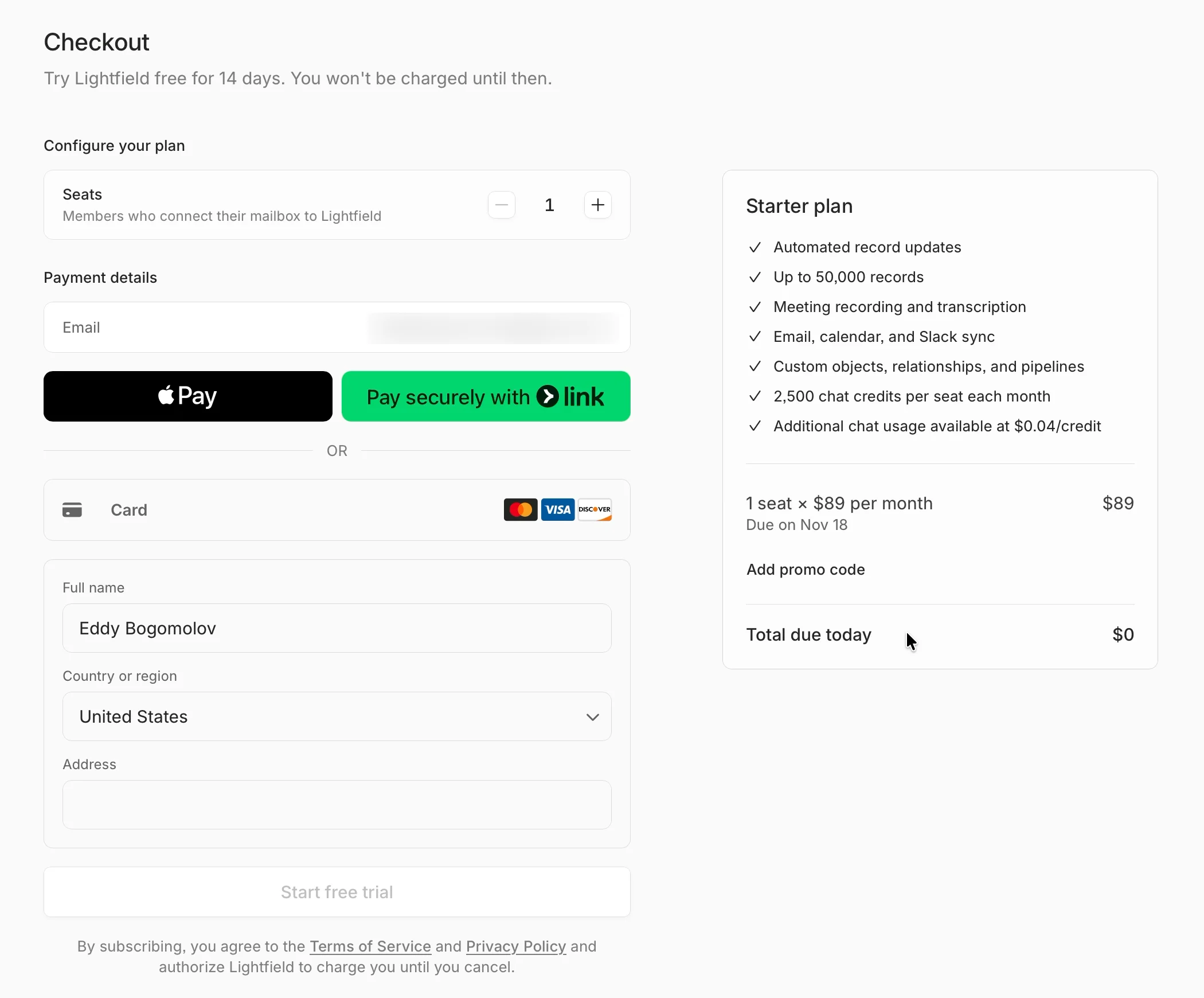
Then I read the first line. A seat is one of the “Members who connect their mailbox to Lightfield”.
My mailbox isn’t connected. Nobody has asked for it yet. I’m starting a trial on a seat defined by a step I haven’t seen.

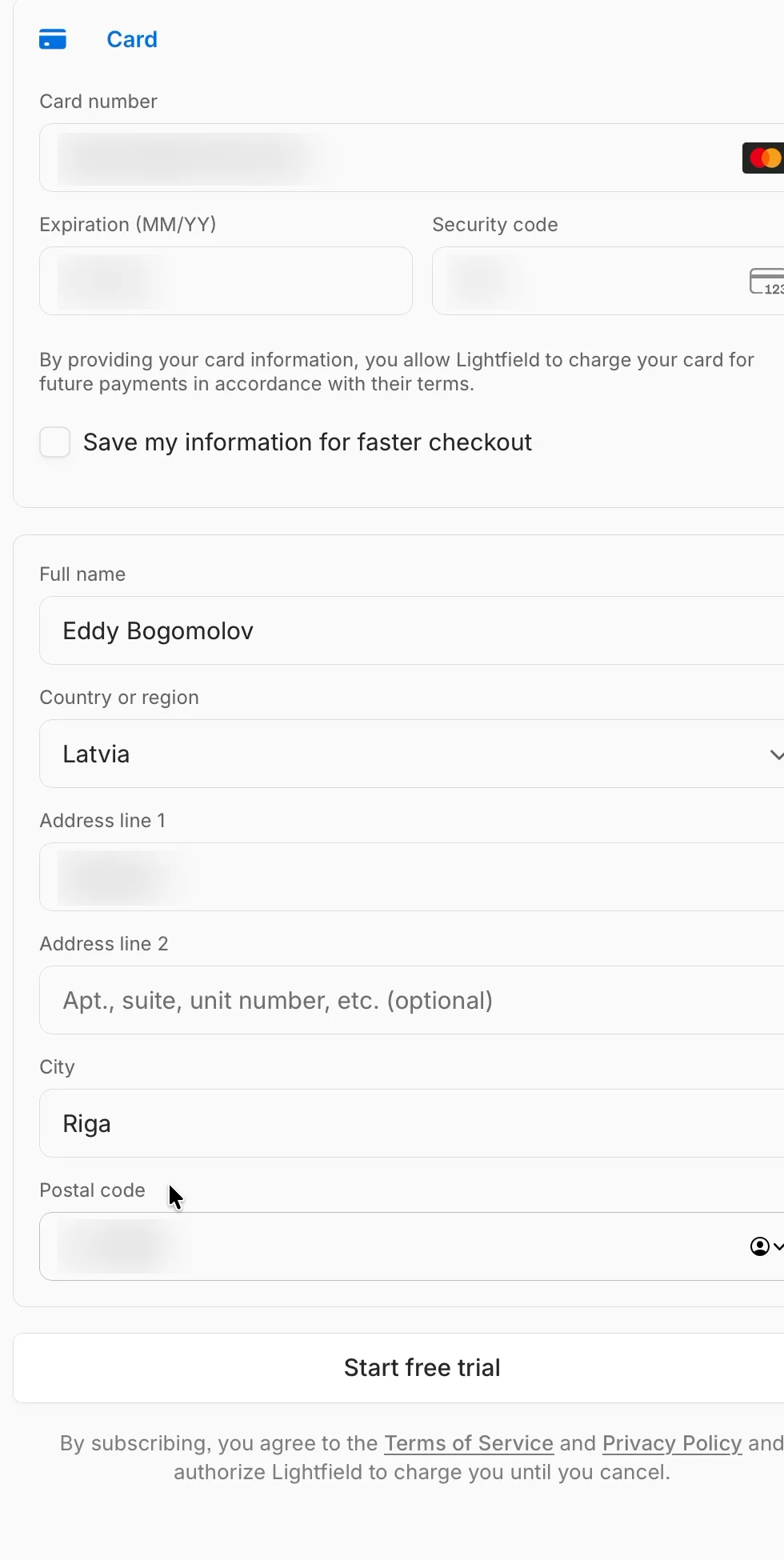
I pay by card: number, expiry, security code. Then name, country, street, city, postcode. The country says United States again.
81 seconds on this screen. Then “Processing”, and 8 seconds of a blank page with a spinner.
Stage 4
After the card
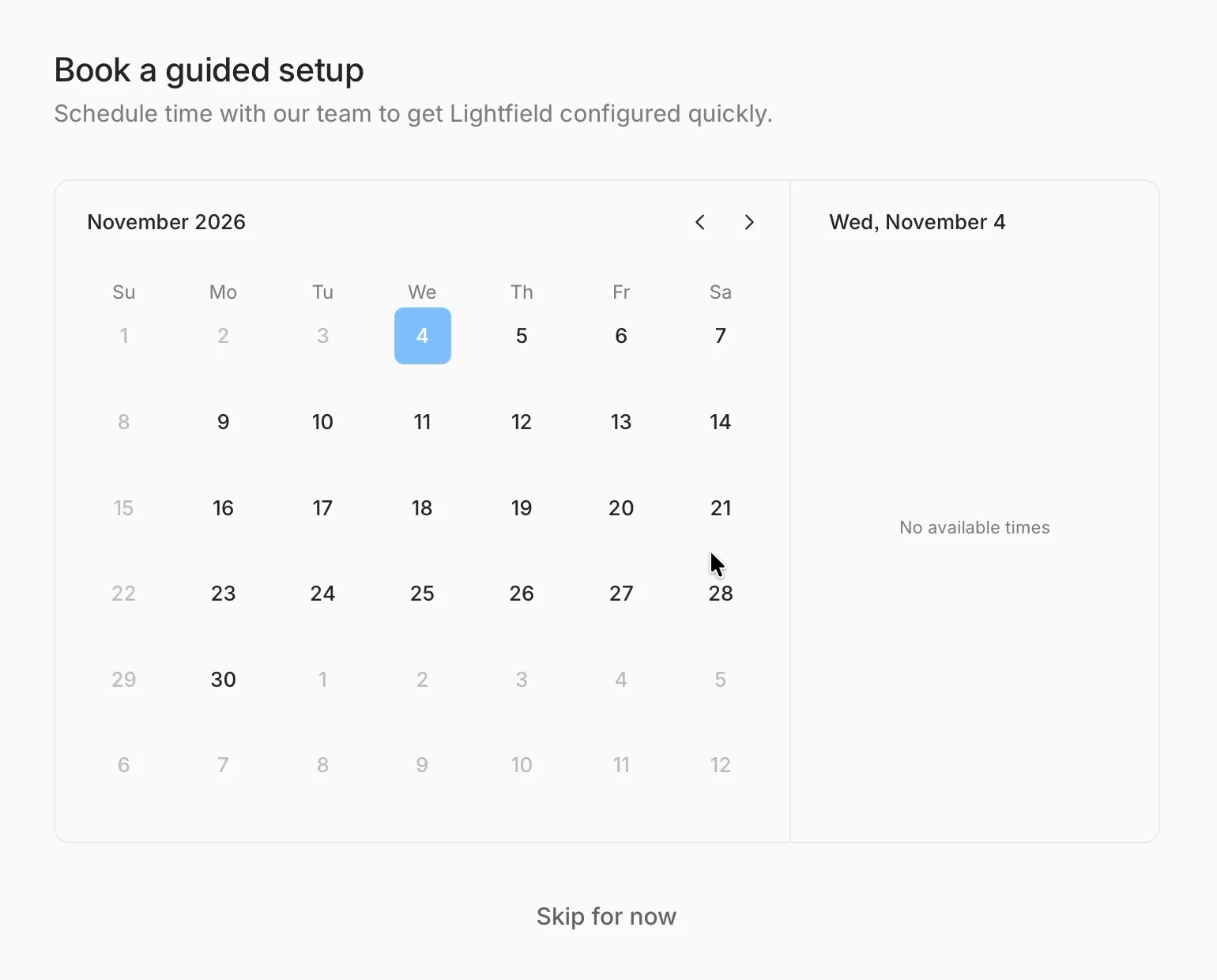
“Book a guided setup. Schedule time with our team to get Lightfield configured quickly.” Today, Wednesday Nov 4: “No available times”.
So the setup Lightfield offers first is a call I can’t book today. “Skip for now.”
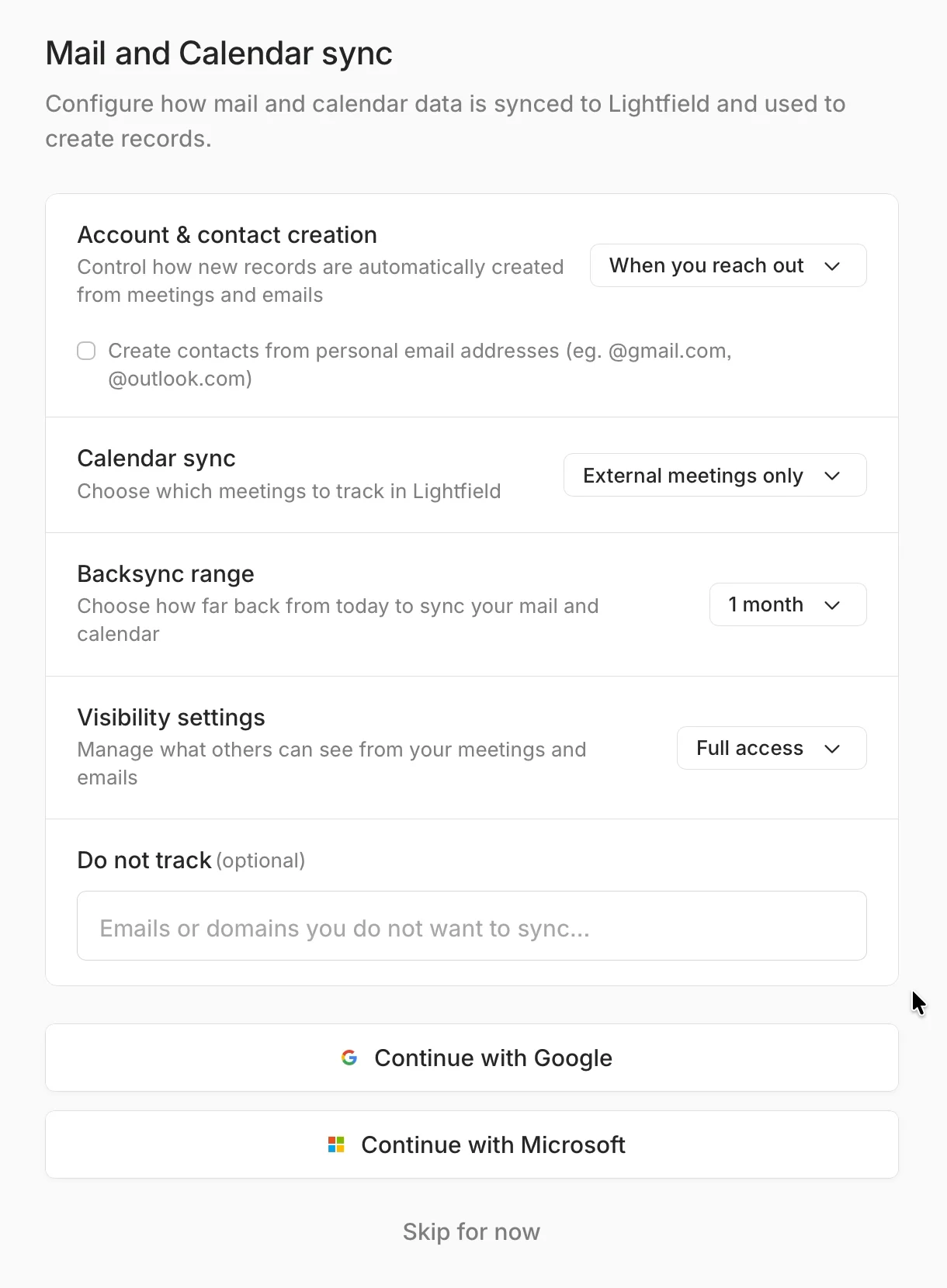
“Mail and Calendar sync.” Here it is: the inbox the homepage promised to learn from. Five settings, then “Continue with Google”.
Google, again? I signed in with Google three minutes ago. Right under the button: “Skip for now”. I take it.
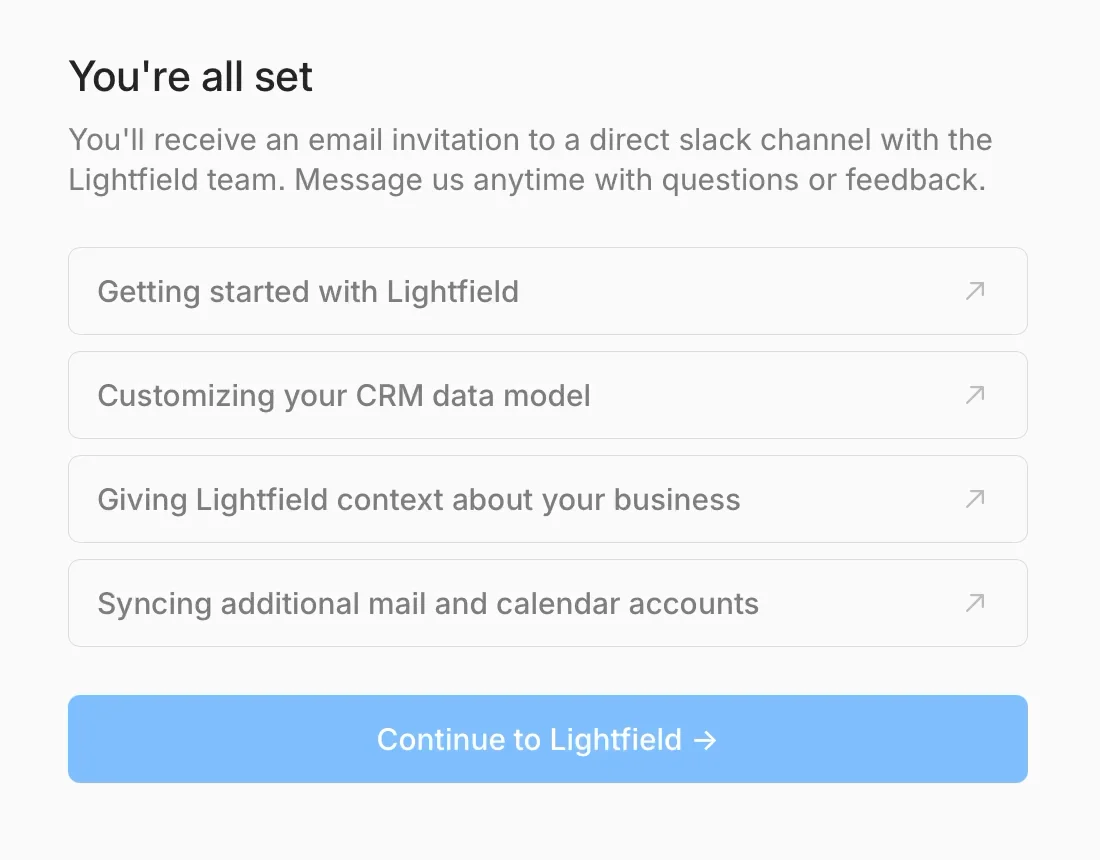
“You’re all set.” A Slack channel with the team, four help articles and a big blue button: “Continue to Lightfield”.
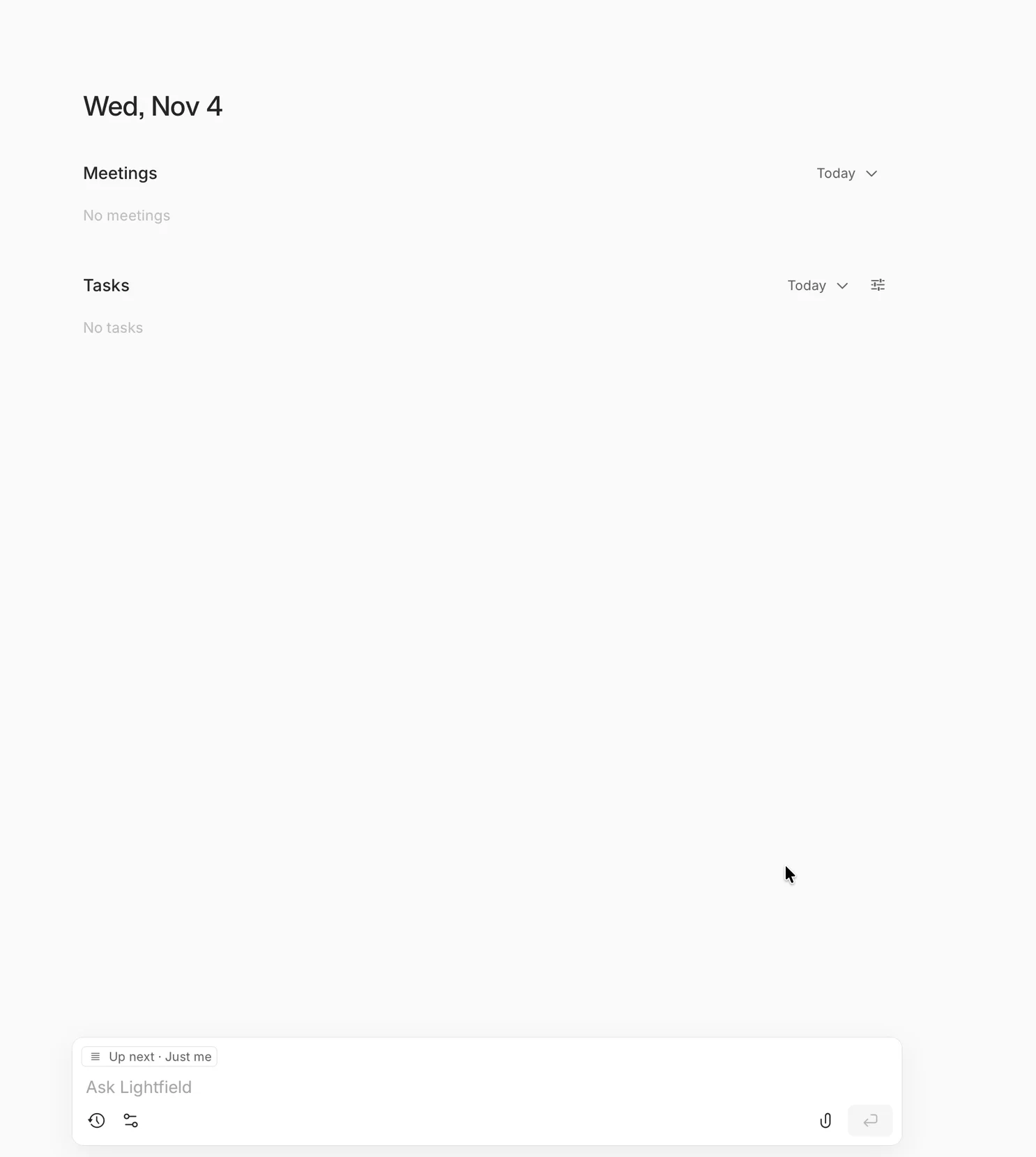
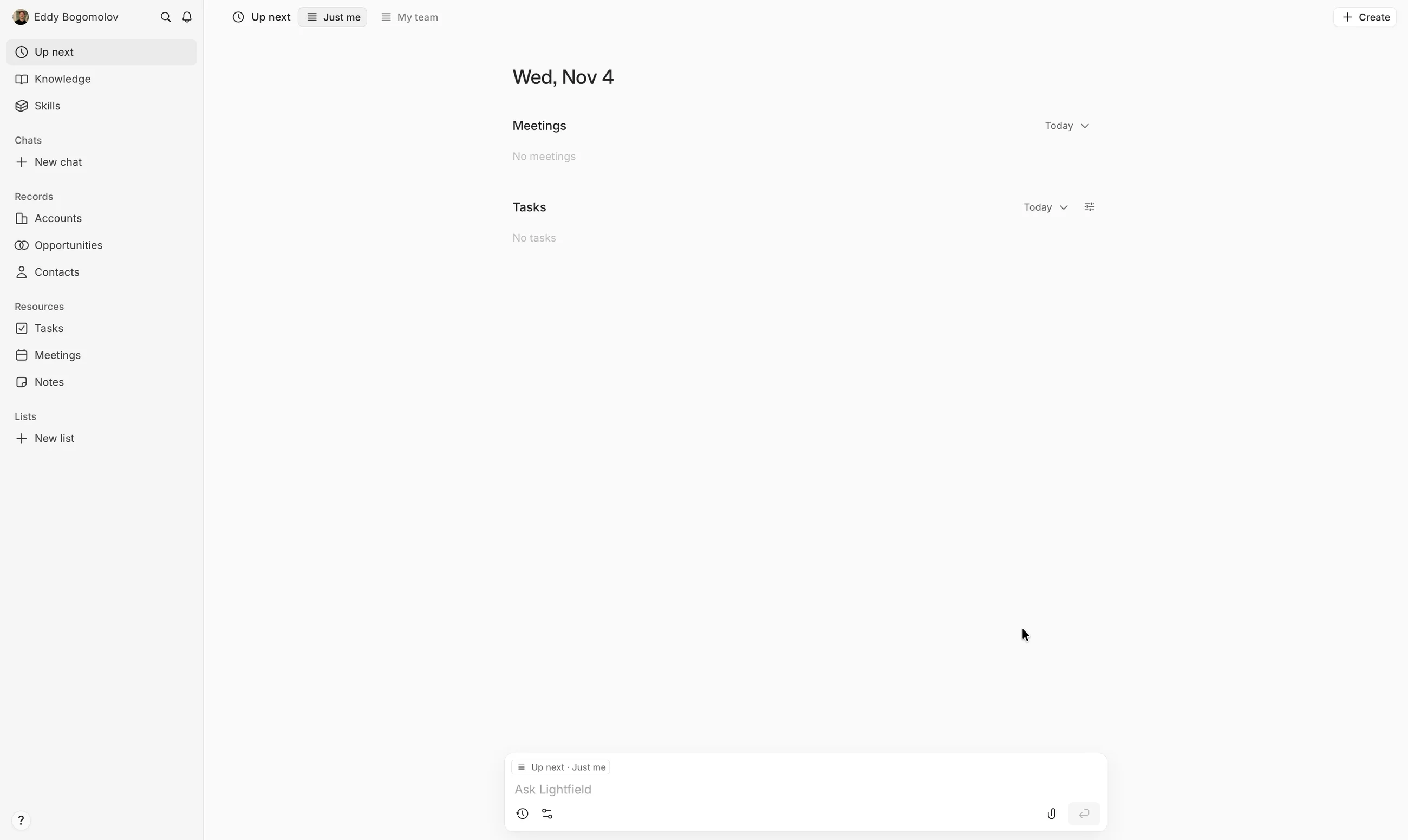
“Wed, Nov 4. Meetings: No meetings. Tasks: No tasks.”
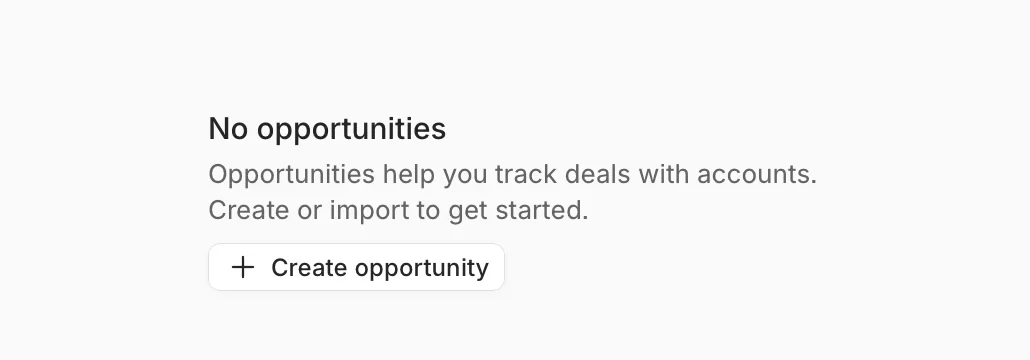
Opportunities: “No opportunities”. Four minutes after “Try for free”, the CRM that updates itself has nothing to update from.
The fix
Three ways to put the setup moment first
Ask for the mailbox in the Google sign-in, as Atrium does with Salesforce. Make the first screen after sync work the AI did on my own mail. Or drop the card and run a reverse trial, so the CRM fills up before I’m asked to pay.
- Ask at sign-in. I already said yes to Google. Ask for Gmail and Calendar on that same consent screen, before the card. Atrium does it with Salesforce: “They just sign in, they OAuth with Salesforce, great.” Then “data light, has data been lit up?” comes before any commercial talk (Lenny’s Podcast).
- Show the aha on my own mail. The first screen after sync should be work the agents already did on my inbox, not “No meetings”. Roman Ugarte’s first task for Grok Bot: “go through my Slack, go through my email and suggest five things that you can take off of my plate” (Lenny’s Podcast).
- Or drop the card. A reverse trial: the full product with no card, so the CRM fills up before the trial ends. Albert Cheng: “You don’t need to ask for their credit card because they’re using your CRM” (Lenny’s Podcast). Reverse trials convert at twice the rate of classic freemium (Lenny’s Newsletter).
Setup first, aha second, card last.
The setup that mattered came last
Ready at the $0 checkout. The one setup step that mattered came after the card, and I skipped it.
Based on my own trial, not measured data.







The journey
The setup moment came after the card
4:13 from “Try for free” to an empty CRM
- “Updates itself” homepage
- Continue with Google
- My name, again
- Workspace + 6 questions
- Checkout: $0 today
- Card and address
- “No available times”
- Setup moment: skipped
- “You’re all set”
- Empty CRM, no aha
From my screen recording: 4:13 from “Try for free” to the empty home screen, with about a minute of Google’s own sign-in checks. Lenny Rachitsky calls finishing sign-up “too early” to count as activation, so 4:13 got me to the start line, not to value.
Letting Attio build my CRM for me
Attio, Nov 5, 2026